
Your to-do list,
planned into your day.
ClaroCal is a web app that schedules your tasks. Add what you need to do, and ClaroCal places each task in an open slot on your Google Calendar, around the meetings you already have. Change a meeting and it replans the rest. Planning takes minutes. The rest of the day is yours.
Paste a to-do list.
Watch it become a day.
This is the scheduler the product runs, doing the real thing in your browser. Give it your list and it sizes each task and blocks it into the open time of a day, around the meetings already there.
This runs entirely in your browser. Nothing you type here leaves it unless you press Keep this day.
Your tasks come with you, and the times do not. Connect Google Calendar so ClaroCal can replan them around your real meetings, including meetings from iCloud if you add it too, so your real day looks different from this one. That is the point.
A daily planner that
time-blocks your tasks.
ClaroCal is a web-based daily planning app for people who keep a to-do list and a calendar and are tired of moving work between the two by hand.
You add your tasks in ClaroCal, each with a title and a due date. ClaroCal then reads your Google Calendar to see when you are already busy, finds the open time around your existing meetings, and schedules each task into a specific block of time on your calendar. The plan stays current: if a meeting moves or a new one lands, ClaroCal replans the tasks around it, and if you drag a task block in Google Calendar, the change comes back to ClaroCal. This two-way Google Calendar sync is the core of the product, which is why the app asks for permission to view and edit your calendar events.
ClaroCal plans start at $6 per month, and every plan begins with a 14-day free trial. It works in any web browser at app.clarocal.com. You can read exactly what Google data we request and why below, or in our Privacy Policy.
Simple. Clean. Claro.
Claro means “clear.” That’s the whole idea: a calmer way to see your day.
Everything you need
to plan your day.
The pieces that turn a to-do list into a realistic plan, and keep it honest as your day changes.
Auto-planned days
Add what you need to do. ClaroCal places each task on your calendar around your existing events, so you open the day to a plan instead of a blank grid.
Synced with Google Calendar and iCloud
Two-way sync with Google Calendar and iCloud means the plan reflects real life. Move a meeting in Google Calendar and the rest of your day adjusts automatically.
Smart task management
Add a task with just a title and a due date. Start simple, then add duration, priority, and details only when you actually need them.
Secure & private
Connect with OAuth scopes you approve. We never store your Google password, and your data is encrypted in transit and at rest.
Simple. Clean. Claro.
A calm, intuitive interface designed to help you focus and finish, nothing more, and nothing in the way.
A fraction of the price
Motion, Akiflow, and Sunsama run $22 to $49 a month billed monthly. ClaroCal does the part you actually wanted from $6 a month, with a 14-day free trial on every plan.

It starts when you close the laptop.
A plan you can trust means you stop carrying it in your head. ClaroCal holds the schedule. You get the day back.
Up and running
in three steps.
Setting up ClaroCal takes about two minutes. No technical skills required.
Connect your calendar
Sign up and connect Google Calendar via OAuth for automatic task placement. You can also connect iCloud with an app-specific password.
Add your tasks
Create tasks with a simple title and due date. ClaroCal takes it from there, no fussing with the grid.
Open your day
ClaroCal drafts a realistic plan around your meetings and keeps it in sync as things move.
From a typed list to a planned week.
- Type it like you'd say it. "standup daily 9am" or "lunch thurs noon" lands where it should.
- A meeting moves onto a task. Only that task moves, to the next open time that fits.
- Drag it in Google Calendar. The change comes back to ClaroCal.
- Small tasks go in small gaps, so long stretches stay open for real work.
What we ask for,
and why we ask.
ClaroCal requests three Google permissions when you connect your calendar. Each one exists to make a feature work, and nothing more. You approve them on Google's own consent screen, and you can disconnect at any time.
Calendar events
calendar.events lets ClaroCal read your existing events and write your tasks back as real time blocks. This is what makes the plan two-way: edit a block in Google Calendar and the task updates in ClaroCal, and the other way around.
Free and busy times
calendar.events.freebusy lets ClaroCal see when you are already booked, without reading the contents of those events. It is how we avoid scheduling a task on top of a meeting.
Your email and basic profile
openid, email, and profile let us create your account and sign you in. We never store your Google password.
We use this data only to plan and sync your day. We do not sell it, and we do not use it for advertising or to train AI models. Full details are in our Privacy Policy.
We wrote the honest comparisons.
Decide without the marketing spin: Motion alternative, Reclaim alternative, Sunsama alternative, Todoist alternative, or browse all alternatives and guides.
to plan a day
per month on Essential
synced to Google
ClaroCal for iPhone.
The planner you use at your desk, now in your pocket. Add tasks by typing or speaking, get your day time-blocked around your meetings, and see your plan even with no signal. Your morning briefing arrives in one notification, ready before you are.
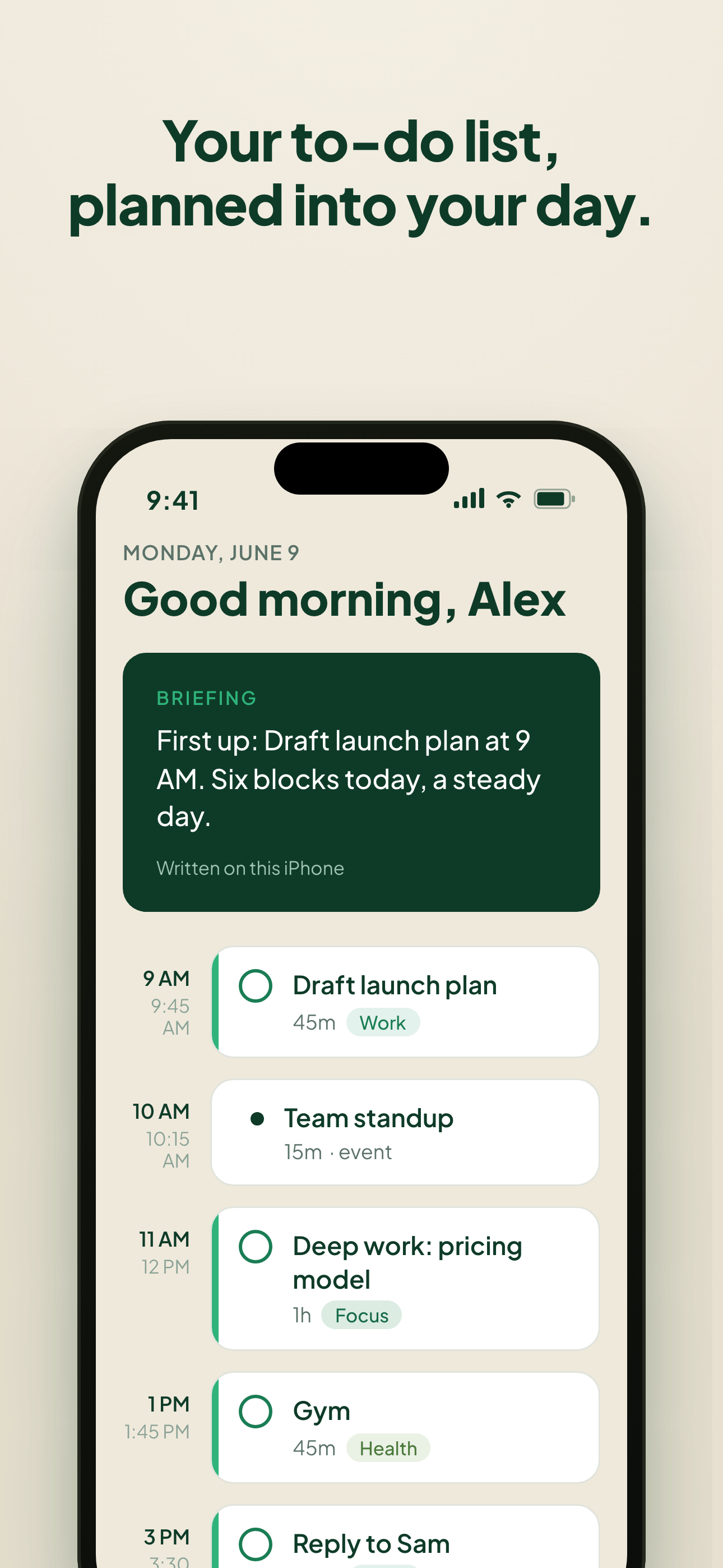
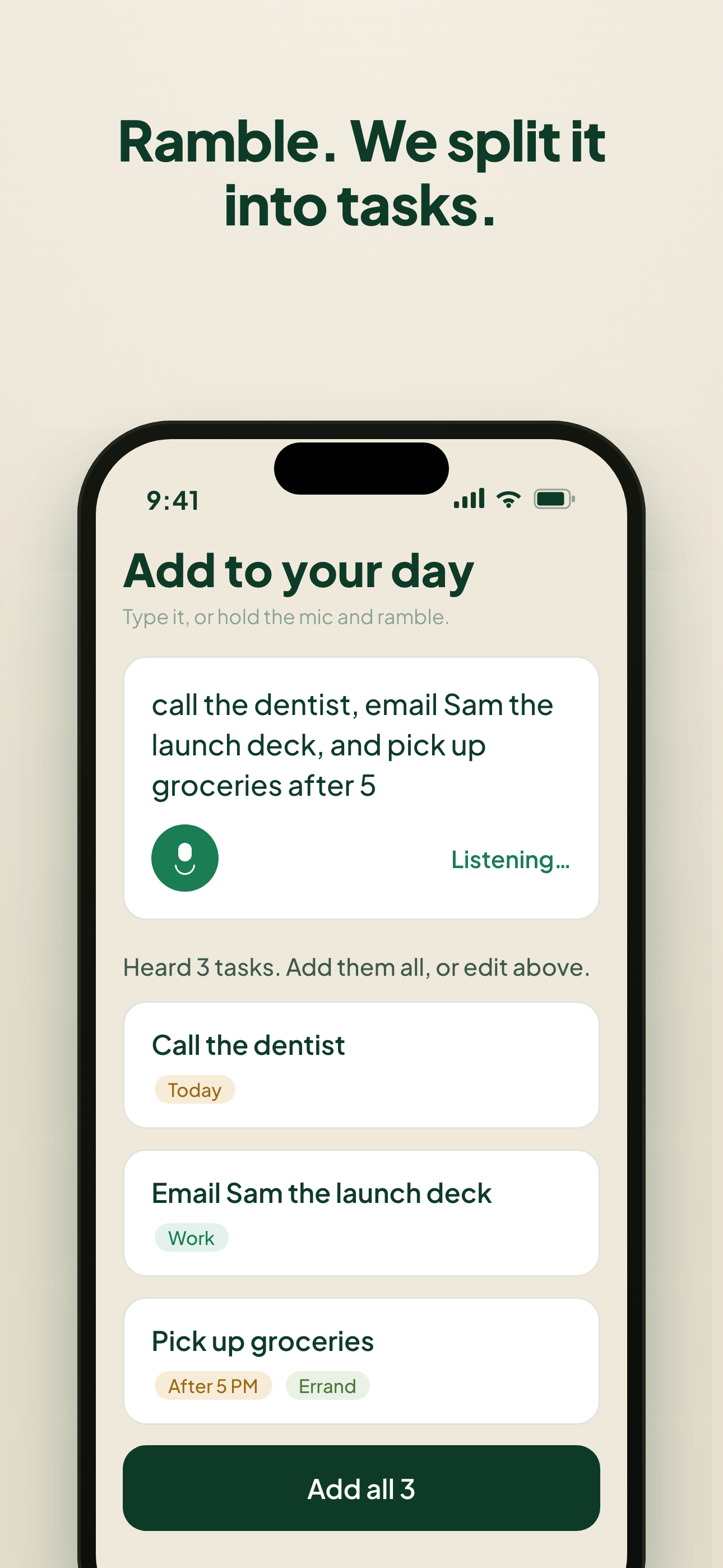
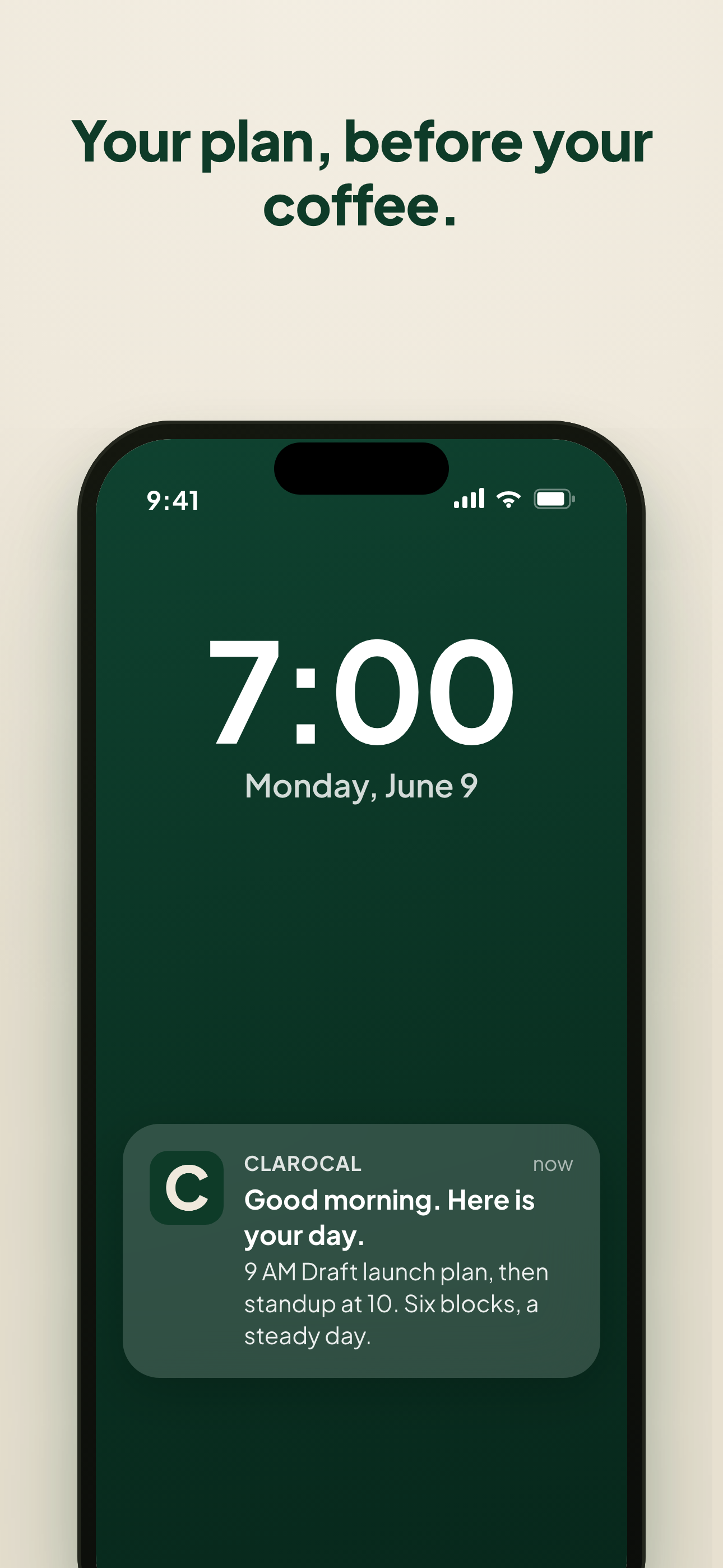
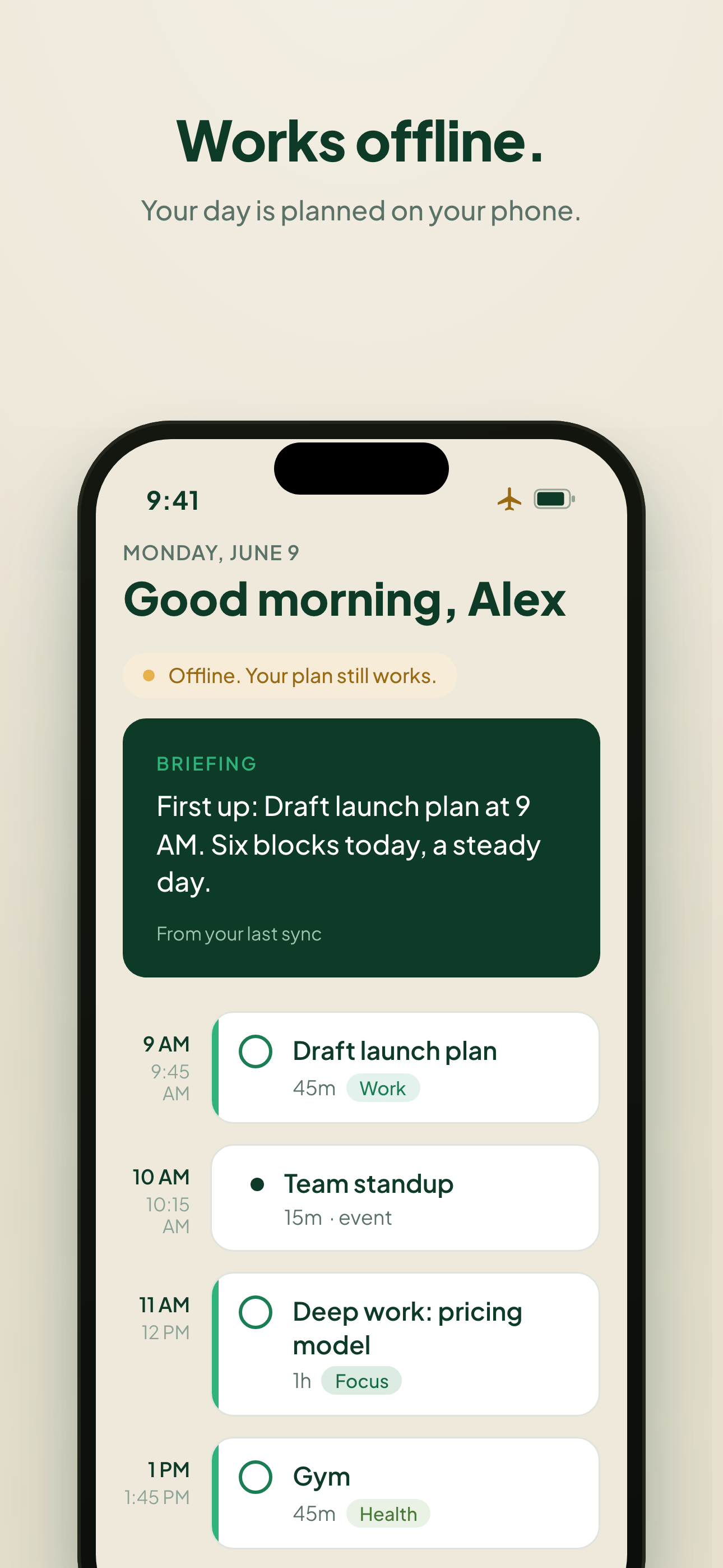
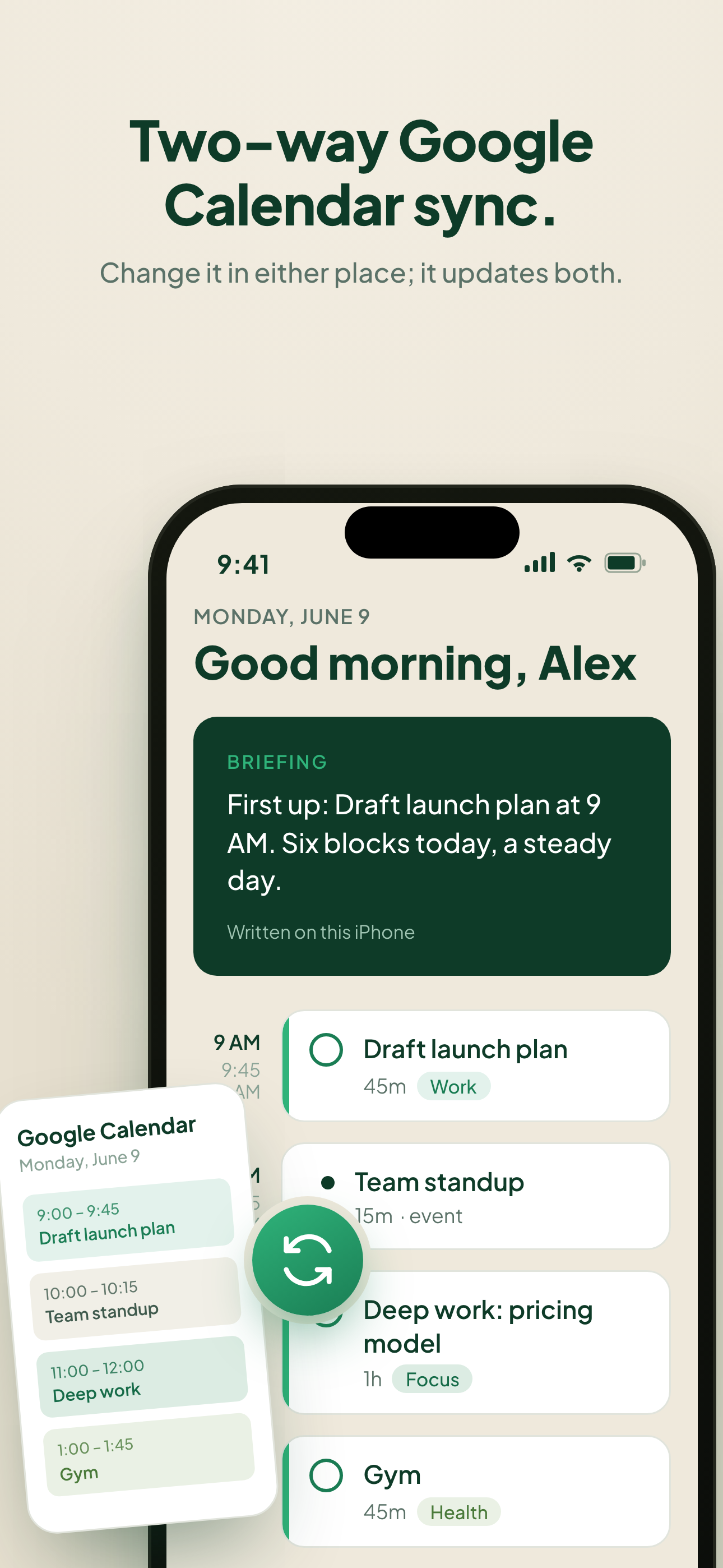
The iPhone app is on the way. You do not need to wait to start. ClaroCal runs in your browser today, and your plan will be there when the app arrives.
Ready to clear your mind?
Connect Google Calendar (and iCloud, if you use it), add your tasks, and let Claro draft your day. Every plan starts with a 14-day free trial.